Autonomous Mobile Robotics (CMP3103), University of Lincoln · April 2025 · Project page: Autonomous Cleaning Robot
The brief
Program a small wheeled robot to tidy a room: find the coloured boxes scattered around an arena and push each one to where it belongs. I went for the hardest level, which is sorting the boxes by colour, each pushed to the wall with the matching coloured marker. It’s written in Python as a ROS2 node, tested in simulation first and then on a real robot.
How the robot sees
The robot has a colour camera, a depth camera and a LiDAR, and I used all three.
- Colour: each camera frame is converted to HSV, then masked for each colour to find the outline of every red, green or blue object in view.
- Depth: for each outline, I read the depth camera at its centre and use the camera’s intrinsics to turn that pixel into a real 3D position, then into a position in the world using the robot’s location and heading. Objects low in the frame are boxes; objects high up are the wall markers.
- LiDAR: every laser hit is converted into world coordinates and kept as a point map (nearby points are merged, so it doesn’t grow forever). From that point cloud the robot works out the four corners of the arena, so it knows where the walls are, and whether a box is already pushed up against one.
Boxes and markers each have their own class, so the robot keeps a running memory of everything it has seen and updates positions as it gets better views.
How it decides
A state machine drives everything:
- Start-up: spin on the spot to map the arena walls before trusting any detections
- Scanning: rotate to spot boxes and markers, then pick the closest box that has a matching-coloured marker
- Roaming: if nothing useful is in view, move somewhere new and scan again
- Pushing: work out the direction from the box to its marker, drive to a point half a metre behind the box on that line, then push forwards until it reaches the wall
- Returning: head back to the middle and start again, until everything is sorted
The debug window
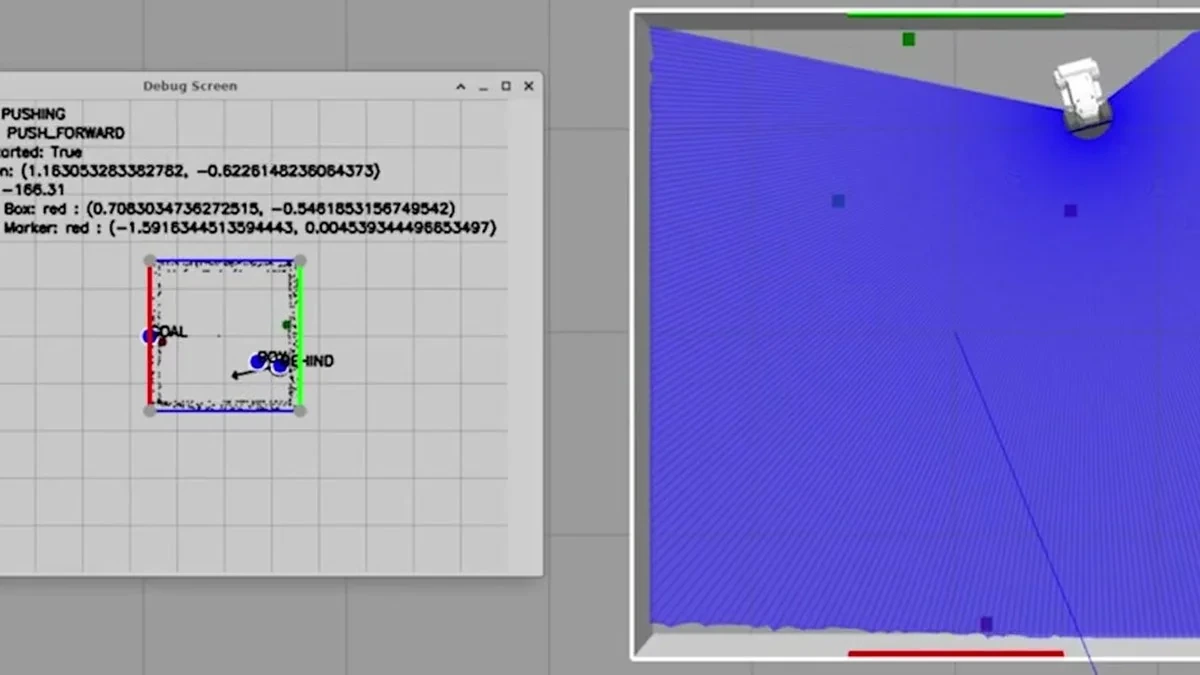
My favourite part was a live debug window: a top-down mini-map that draws the LiDAR walls, every box and marker the robot believes exists, its own position, and its current state and target. When the robot did something strange, I could see exactly what it thought was happening, which made tuning far quicker. It’s also what I used to explain the system in my video.
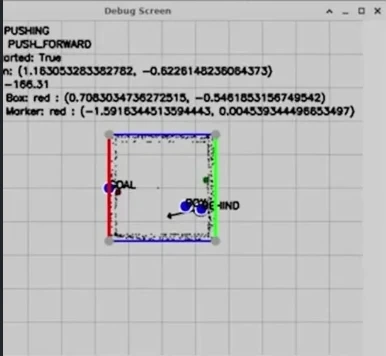
The debug screen mid-push: current state and phase, the robot’s position, its target box and marker, and the mapped arena with the goal and the stand-behind point
The video
My submission video walks through the system in simulation with the debug screen alongside, then shows it running on the real robot.
Simulation vs the real world
In simulation it sorted the boxes in most runs. The problems were boxes sliding off-line mid-push, or disappearing from view while being pushed.
On the real robot, one assumption fell apart: odometry. Everything, from mapping the walls to placing boxes in the world, relied on the robot knowing exactly where it was from its wheel movement, and on real floors that drifts quickly. Small errors turned into boxes “moving” on the map and pushes aimed at the wrong place.
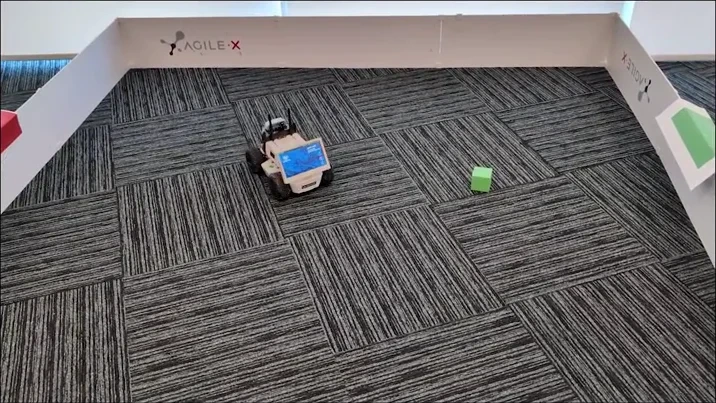
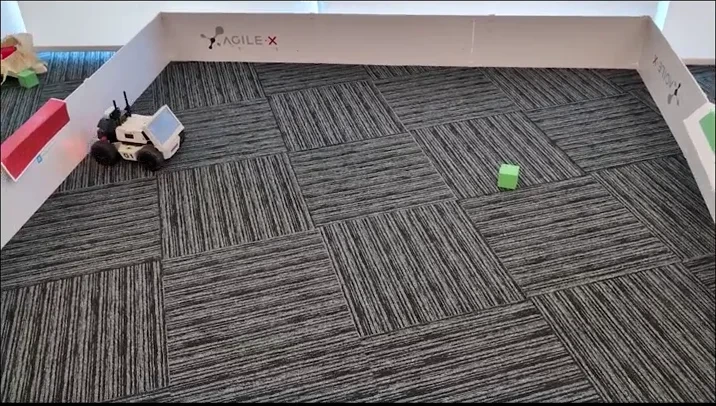
The real robot in the test arena, heading for a box
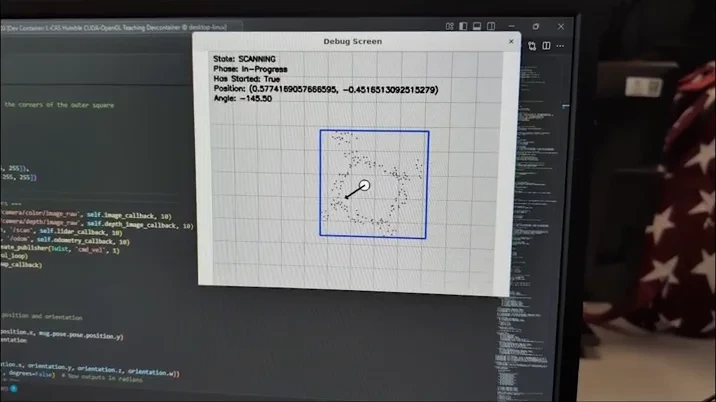
The same debug screen running live against the real robot’s sensors
What I’d change
- Localisation that doesn’t depend on odometry, for example using the arena walls or markers as landmarks to correct the robot’s position as it goes
- Recovery behaviours for when a box slides away or drops out of view mid-push
- A cleaner ROS2 package, with proper entry points so it launches like a standard node, and better documentation for each function
The biggest lesson: a system that’s reliable in simulation is only as good as its weakest assumption about the real world.